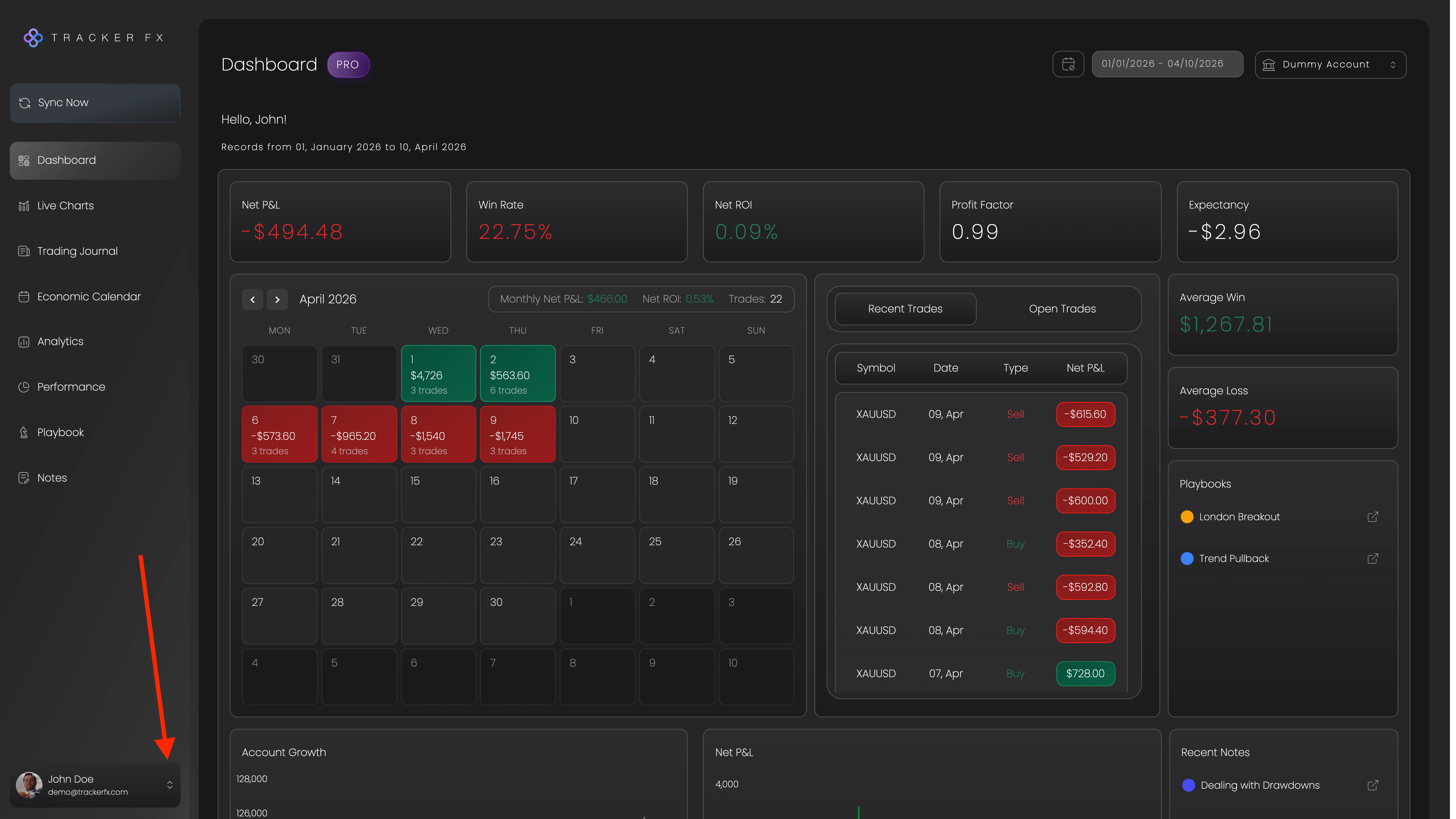
Follow these steps to permanently remove a broker account from your Tracker Fx dashboard. This action cannot be undone - all trades, playbooks and tags associated with the account will be deleted.
From the account menu, open the Settings page.
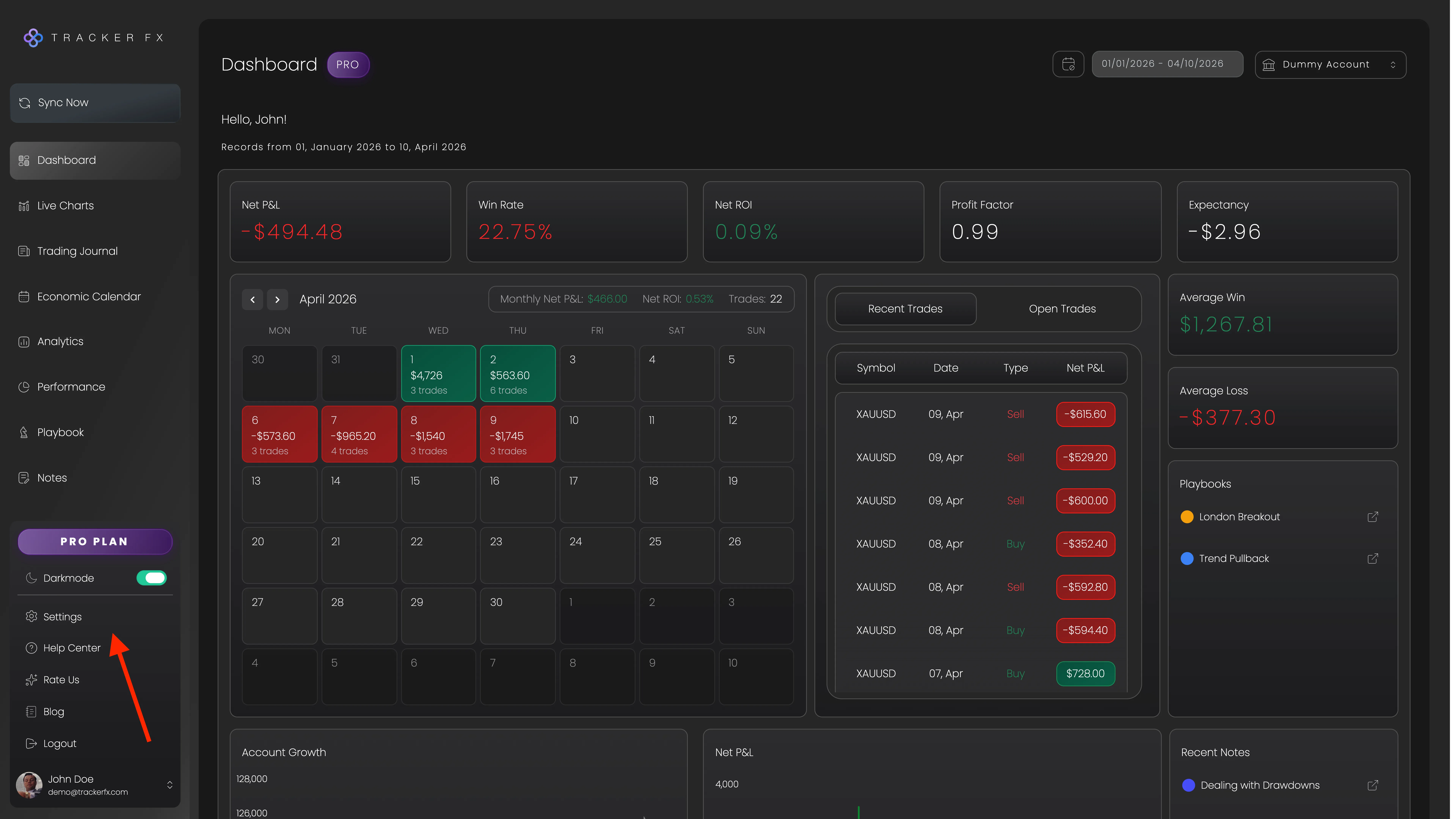
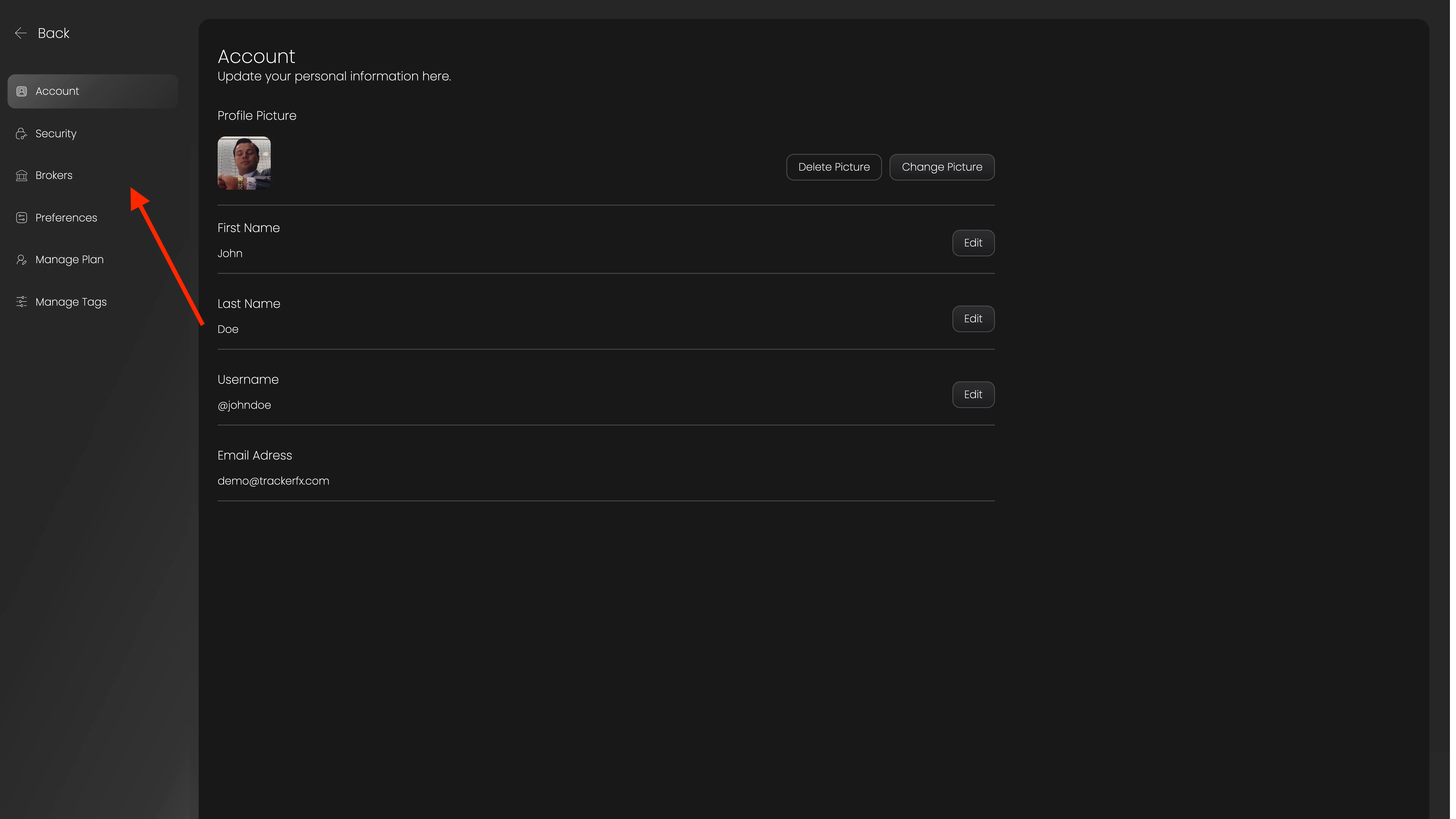
Inside Settings, navigate to the Brokers tab.
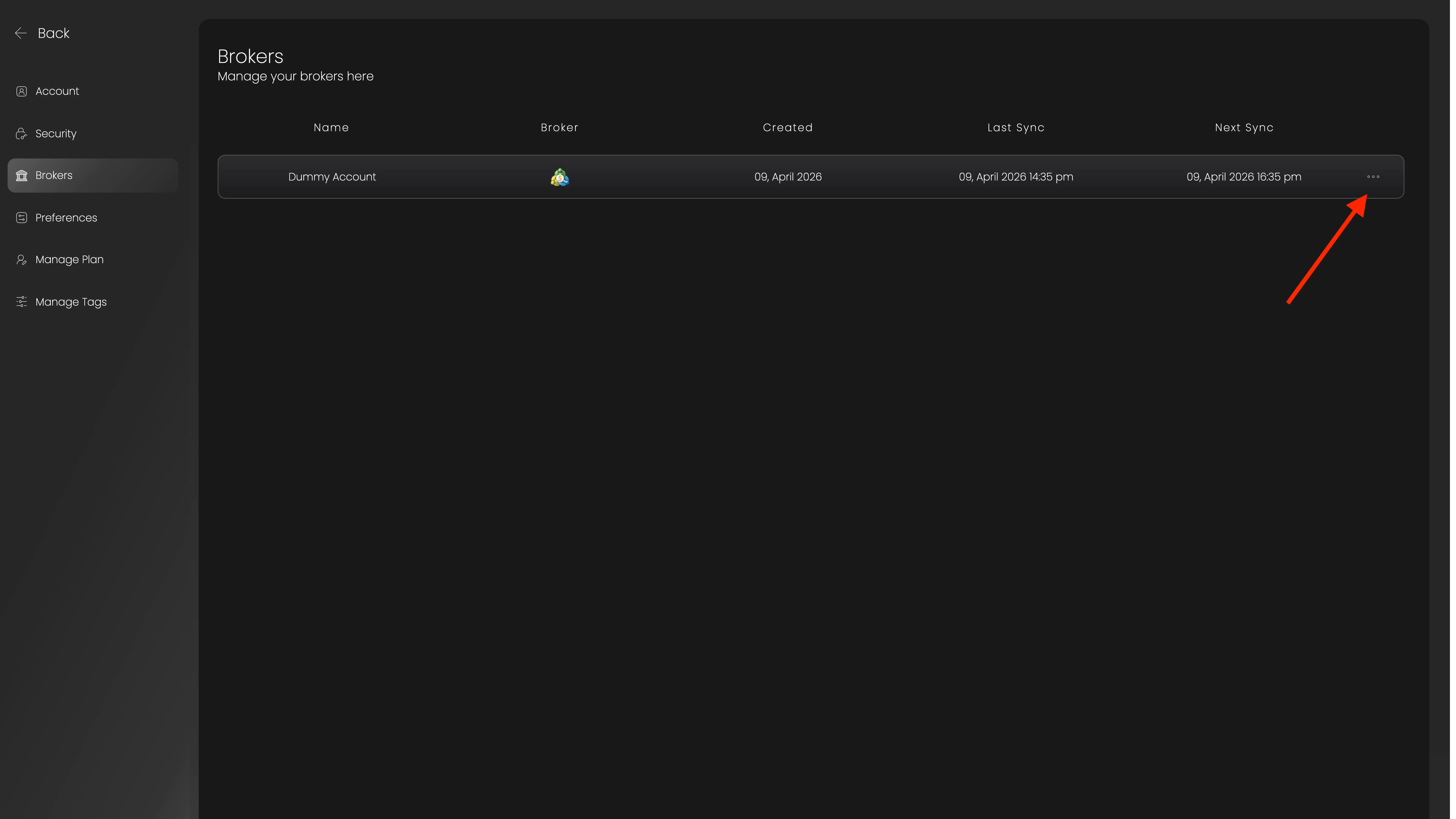
In the Brokers tab, click on the "more" option for the account you want to delete.
From the dropdown menu, choose the Delete option.
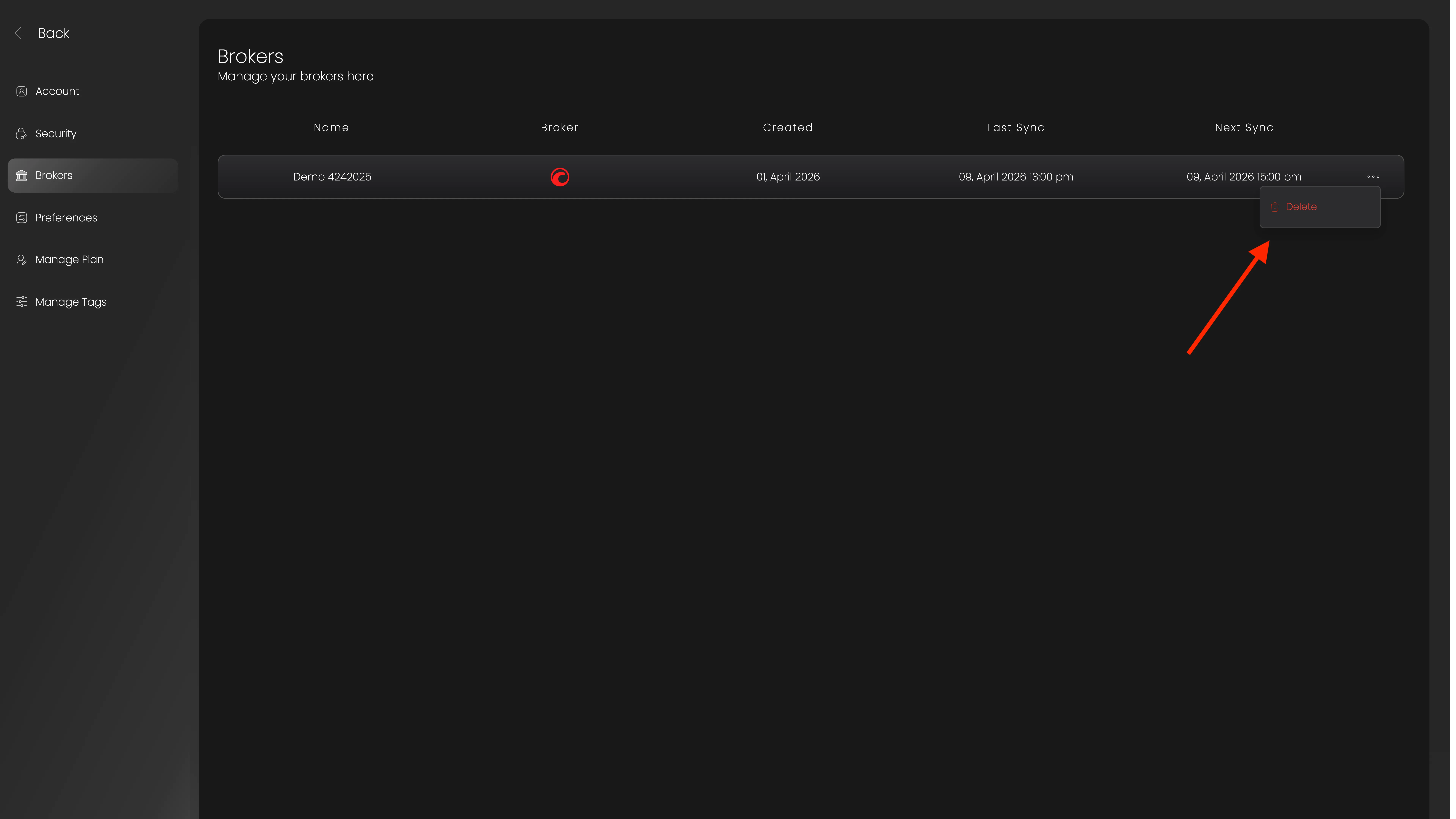
Click "Delete" again to confirm.
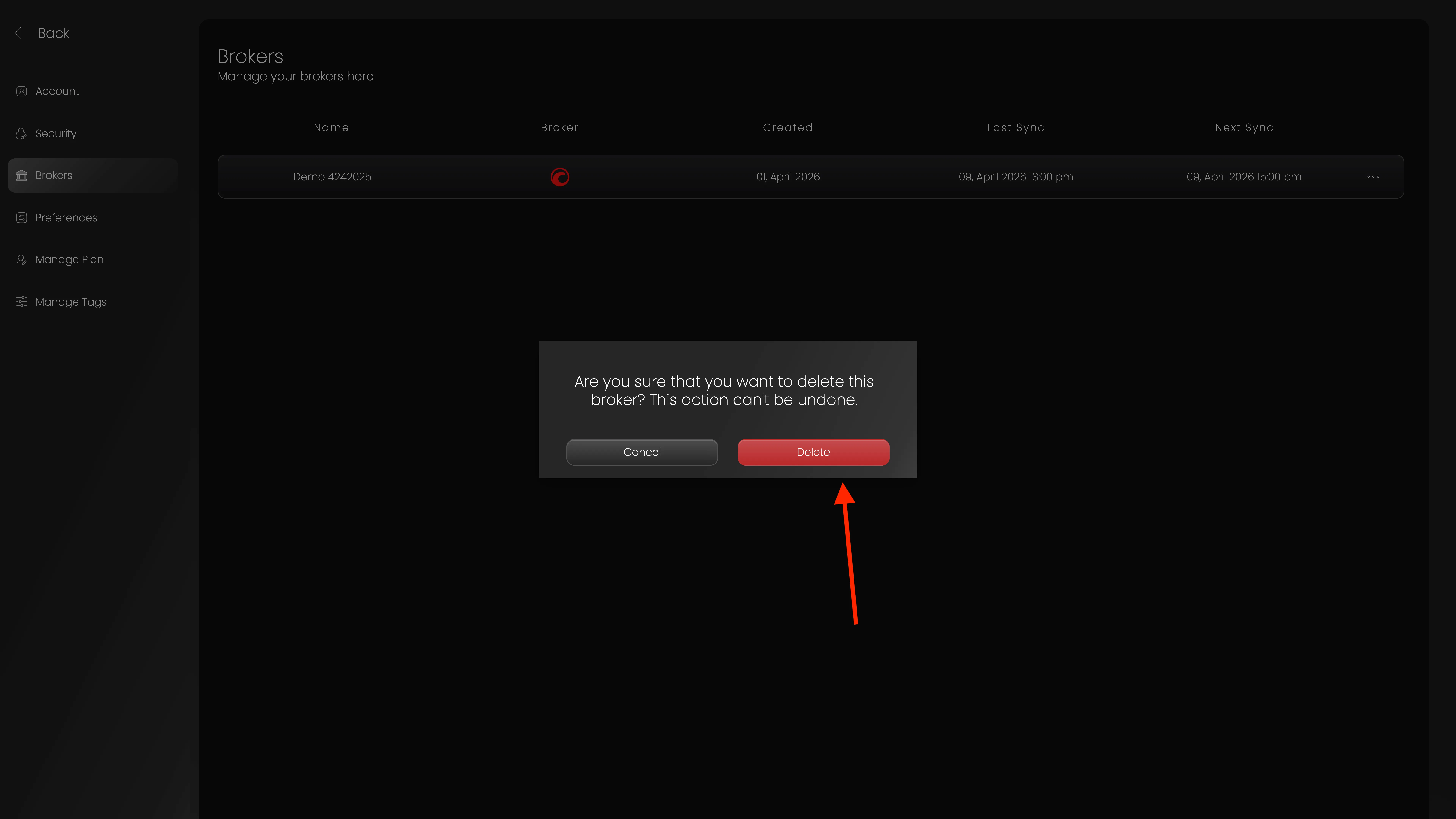
Warning: Please make sure you understand that this action cannot be undone. You will lose all your trades and any playbooks or tags associated with this account.
Your broker account has been successfully deleted.
Need help? If you need any further assistance, please feel free to contact us at support@trackerfx.com.
We use essential cookies to run the site and analytics cookies (Google Analytics) to understand what's working. You can accept or reject. See our Privacy Policy.
 Tracker Fx Team