
Connect your cTrader account and start importing your full trading history into Tracker Fx automatically. The OAuth flow takes about a minute - no investor password or API key needed.
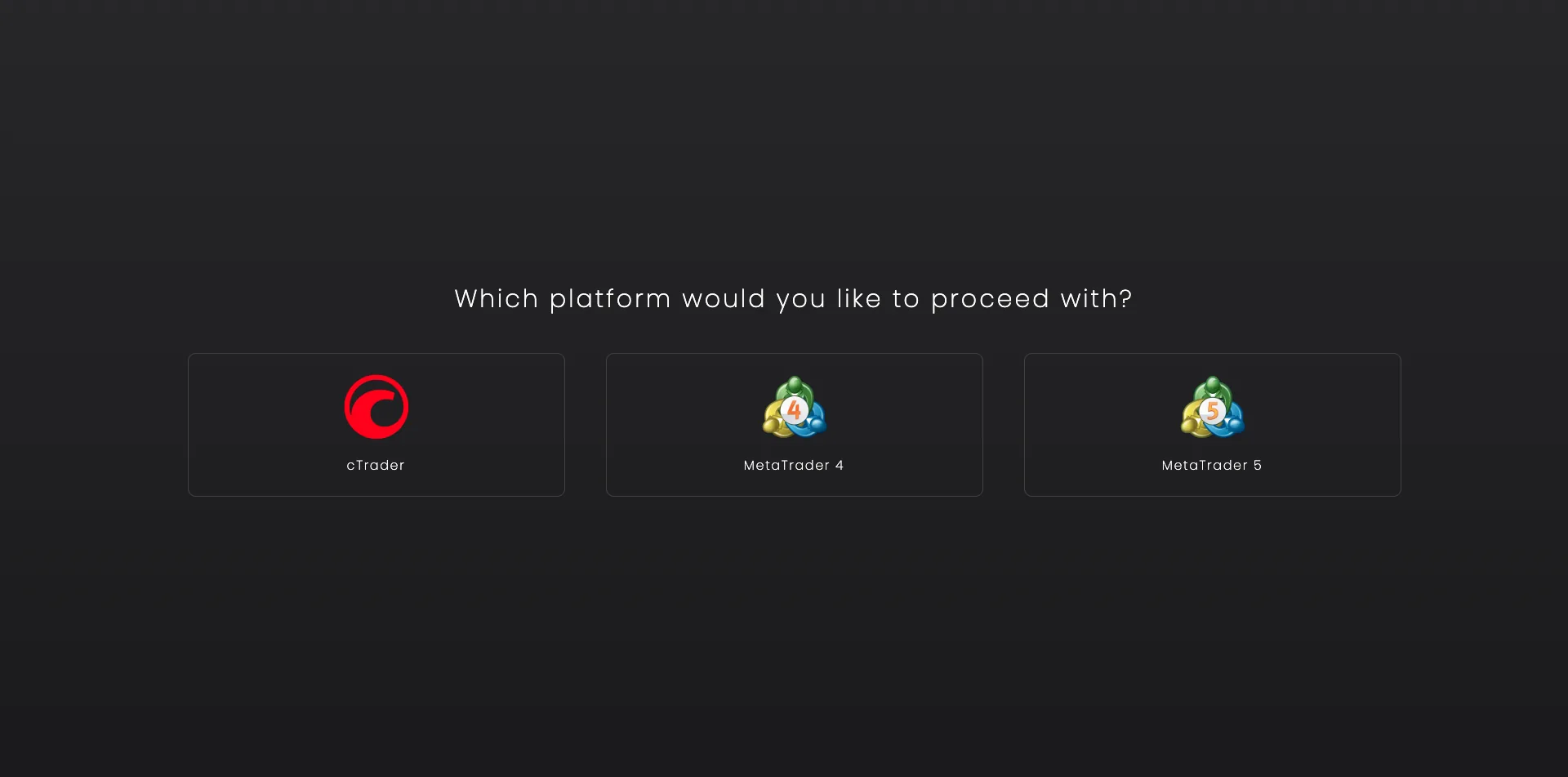
Visit the add new account page and choose your platform (cTrader). You can do it here.
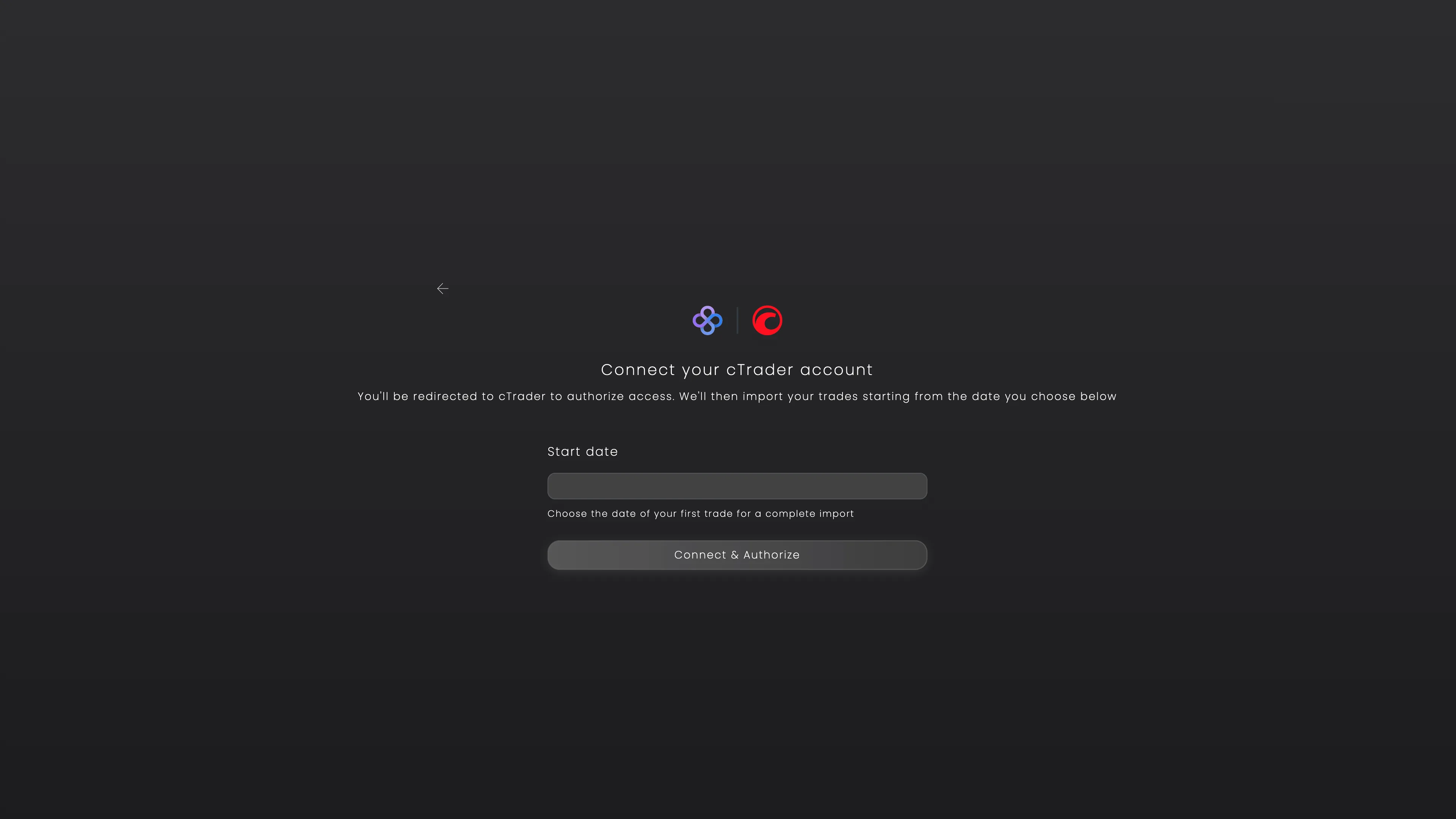
This is where you choose the period of your trading history you want to import.
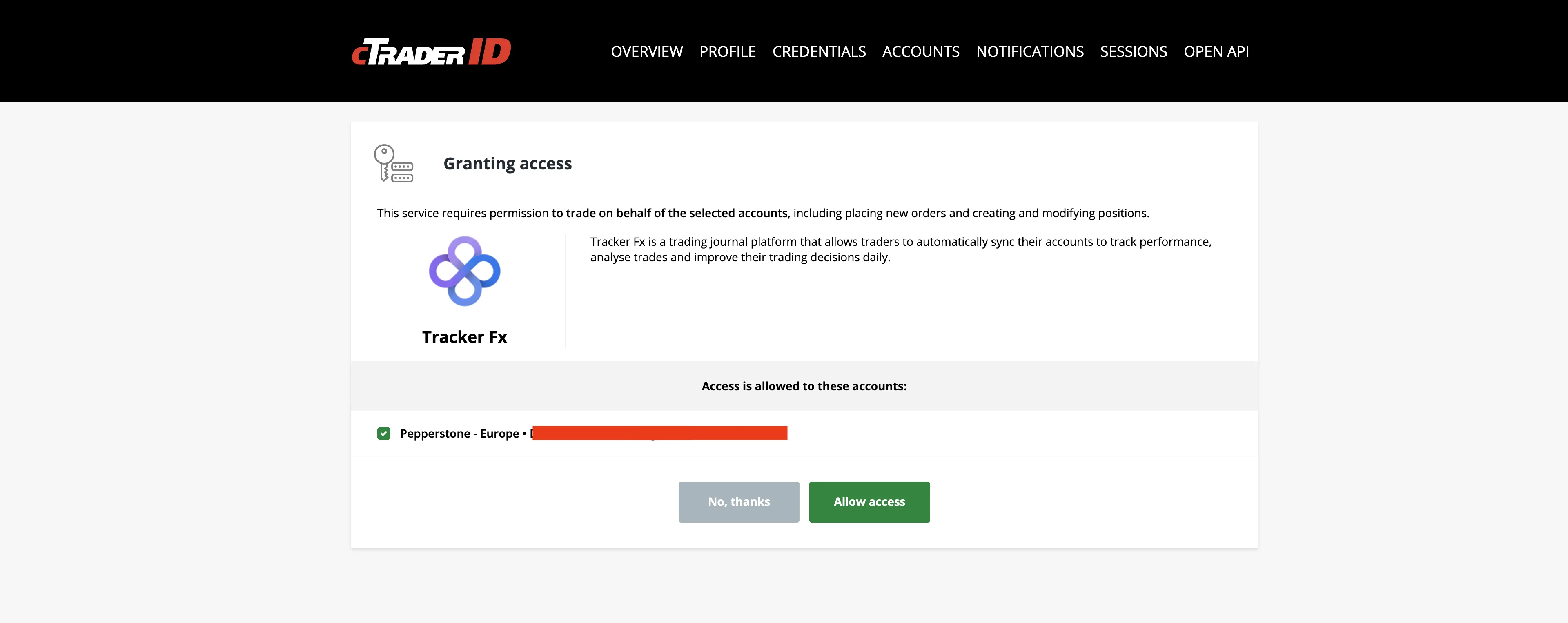
You'll be redirected to the cTrader login page. Enter your cTrader ID credentials (email and password) and authorize Tracker Fx to access your account.
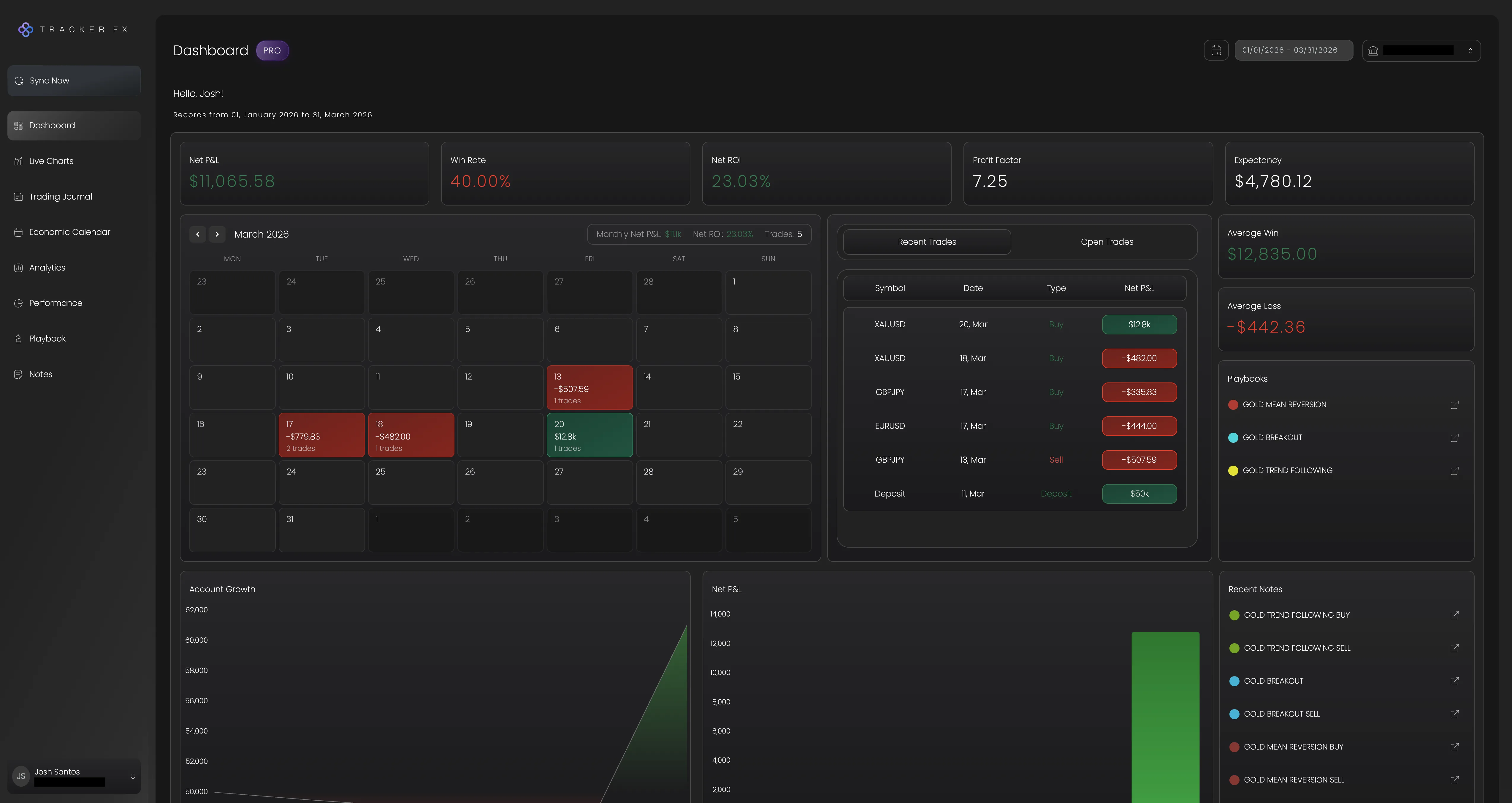
The sync starts immediately after connecting. Tracker Fx will import your full trade history. This may take a few minutes depending on how much history you have.

After the first sync, your account updates automatically every 2 hours in the background. No action needed on your end.
Need help? If you need any further assistance, please feel free to contact us at support@trackerfx.com.
We use essential cookies to run the site and analytics cookies (Google Analytics) to understand what's working. You can accept or reject. See our Privacy Policy.
 Tracker Fx Team