
Connect your MT4 or MT5 account and start importing your full trading history into Tracker Fx automatically. You'll use your investor (read-only) or master password - the same credentials you use to log in to the MetaTrader platform.
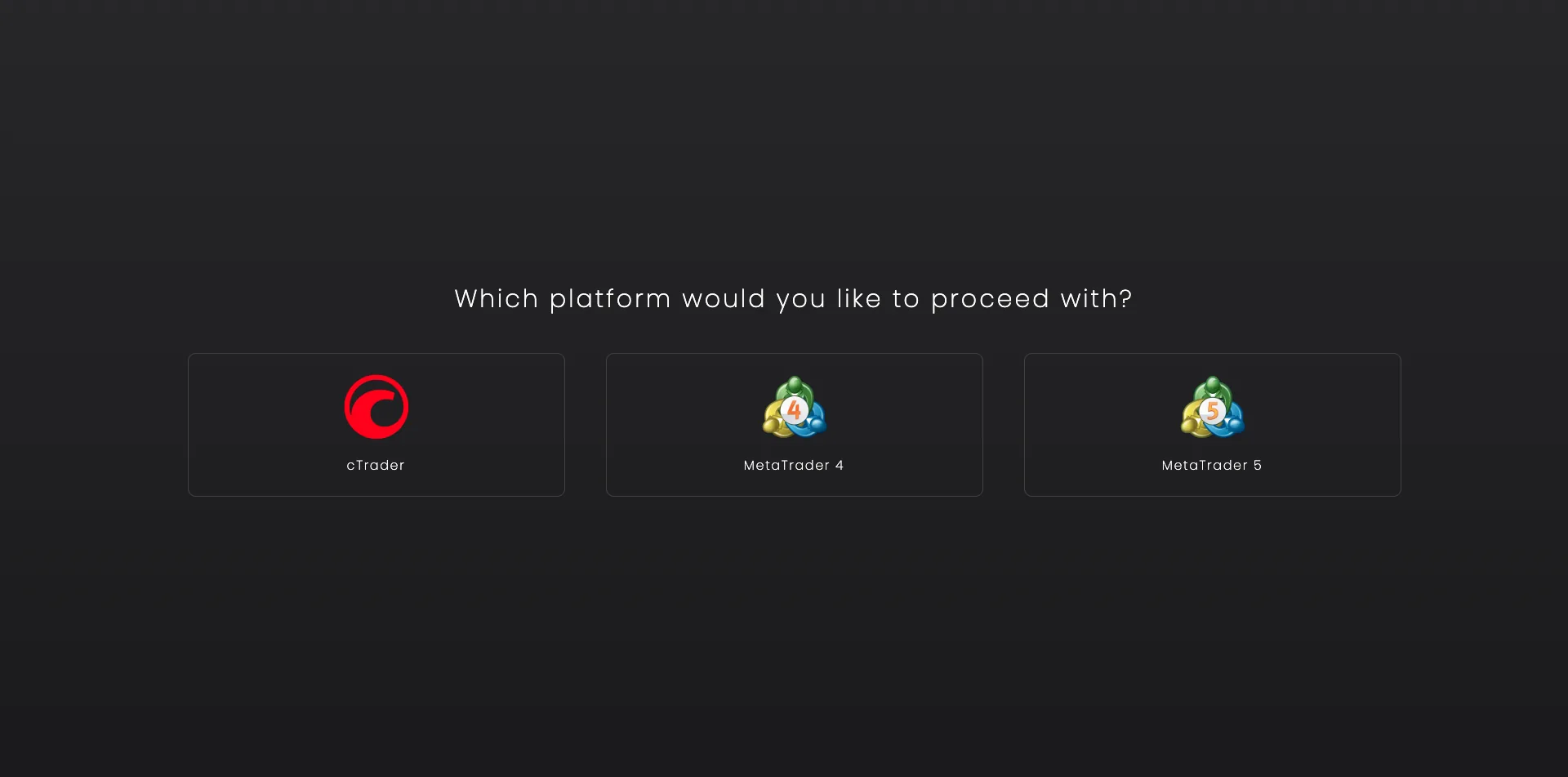
Visit the add new account page and choose your platform (MT4 or MT5). You can do it here.
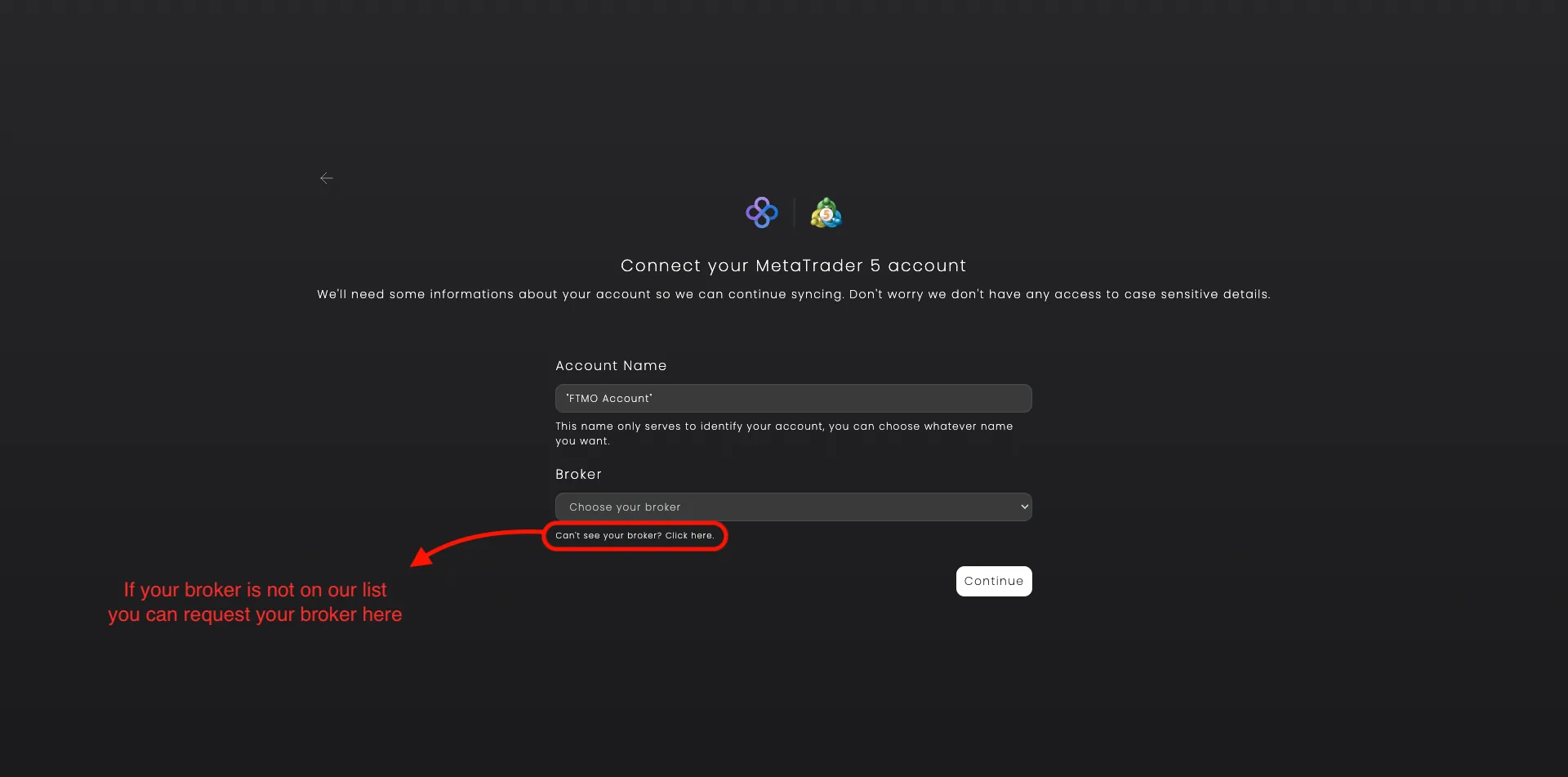
If your broker is not on the list you can ask the Tracker Fx Team to add it.
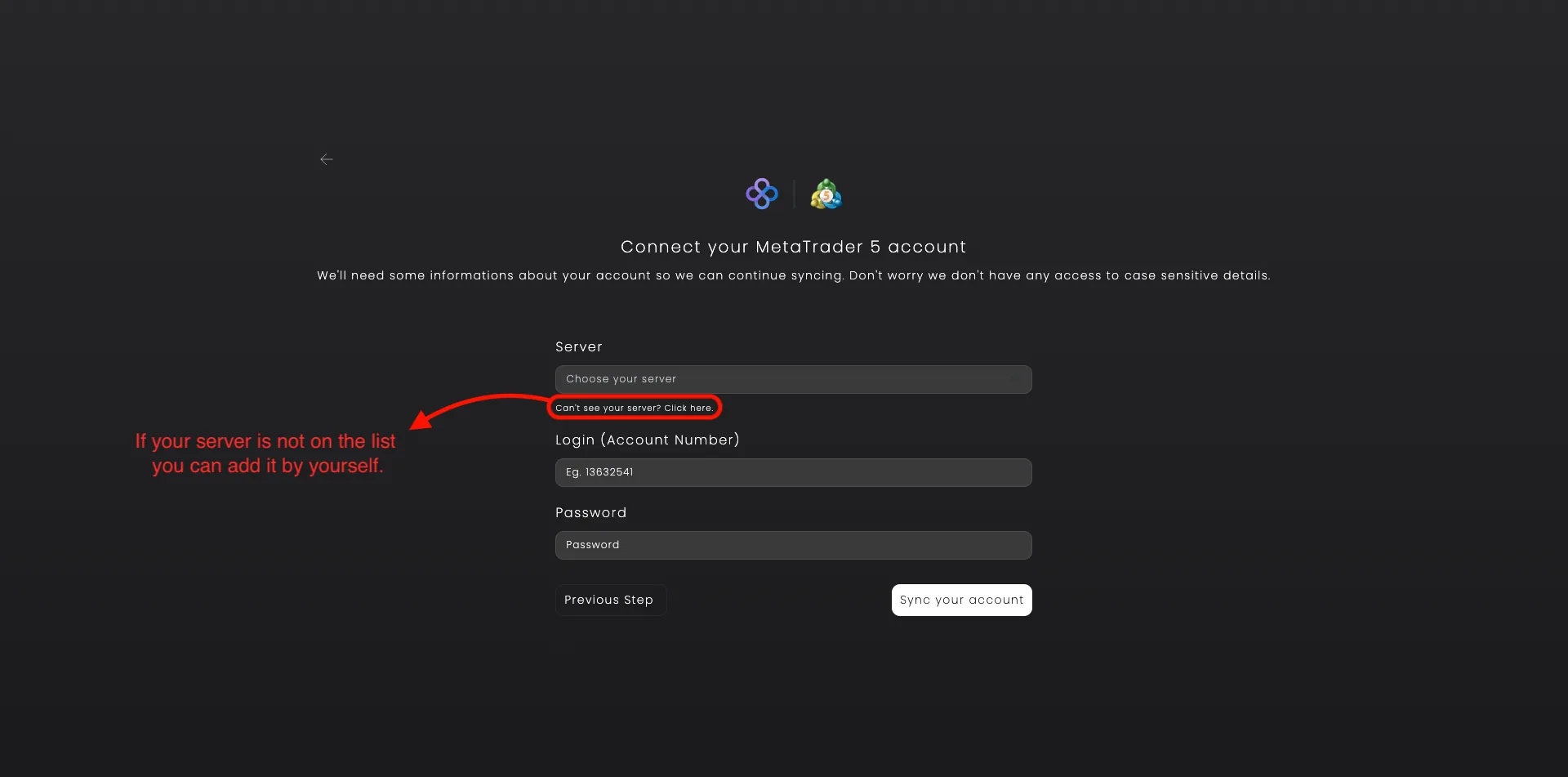
Fill in your MetaTrader account number (Login) and your investor or master password. These are the same credentials you use to log in to your MetaTrader platform. If your server is not on the list you can add it by yourself.
Tracker Fx will connect to your broker and begin importing your trade history.
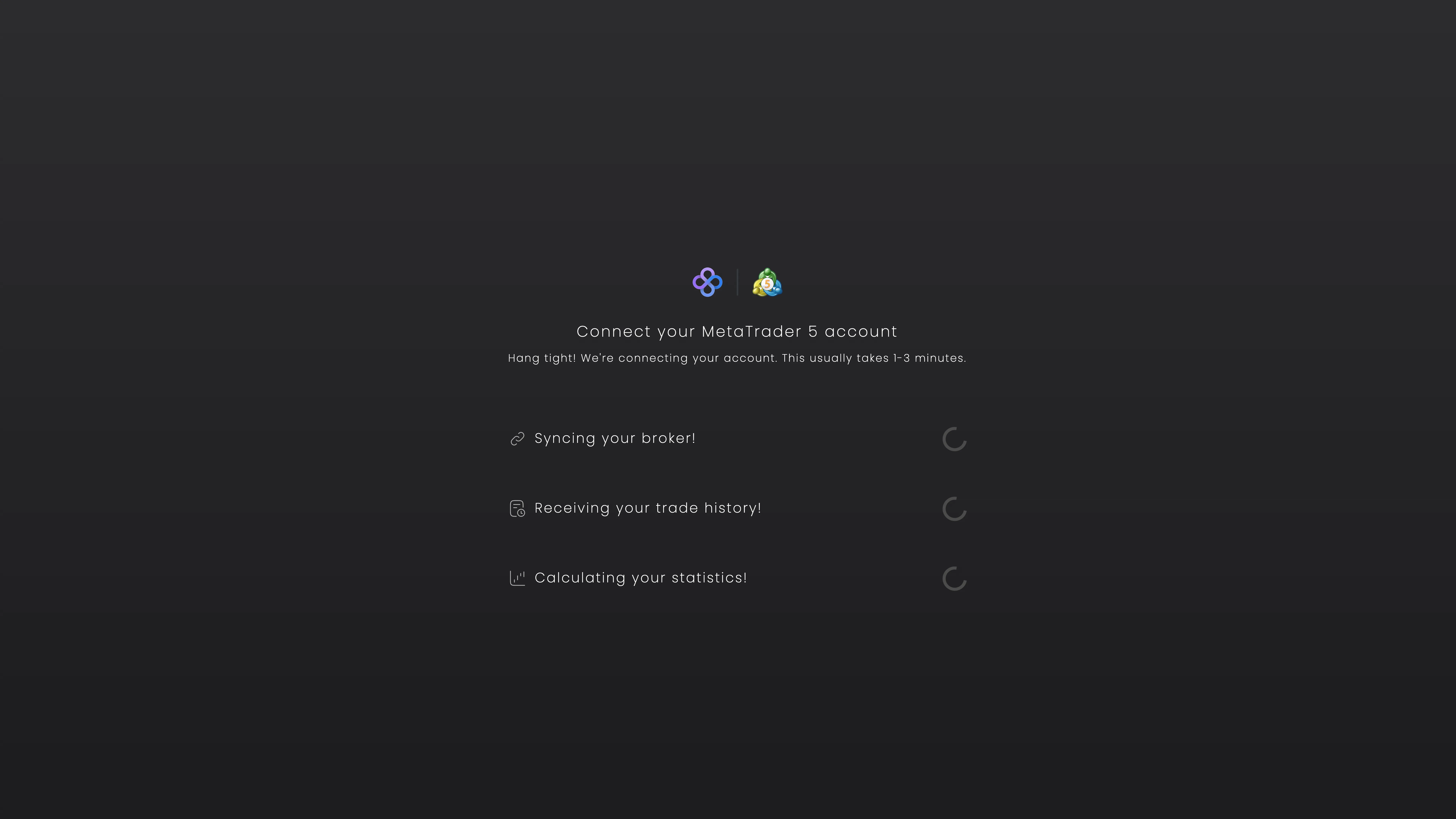
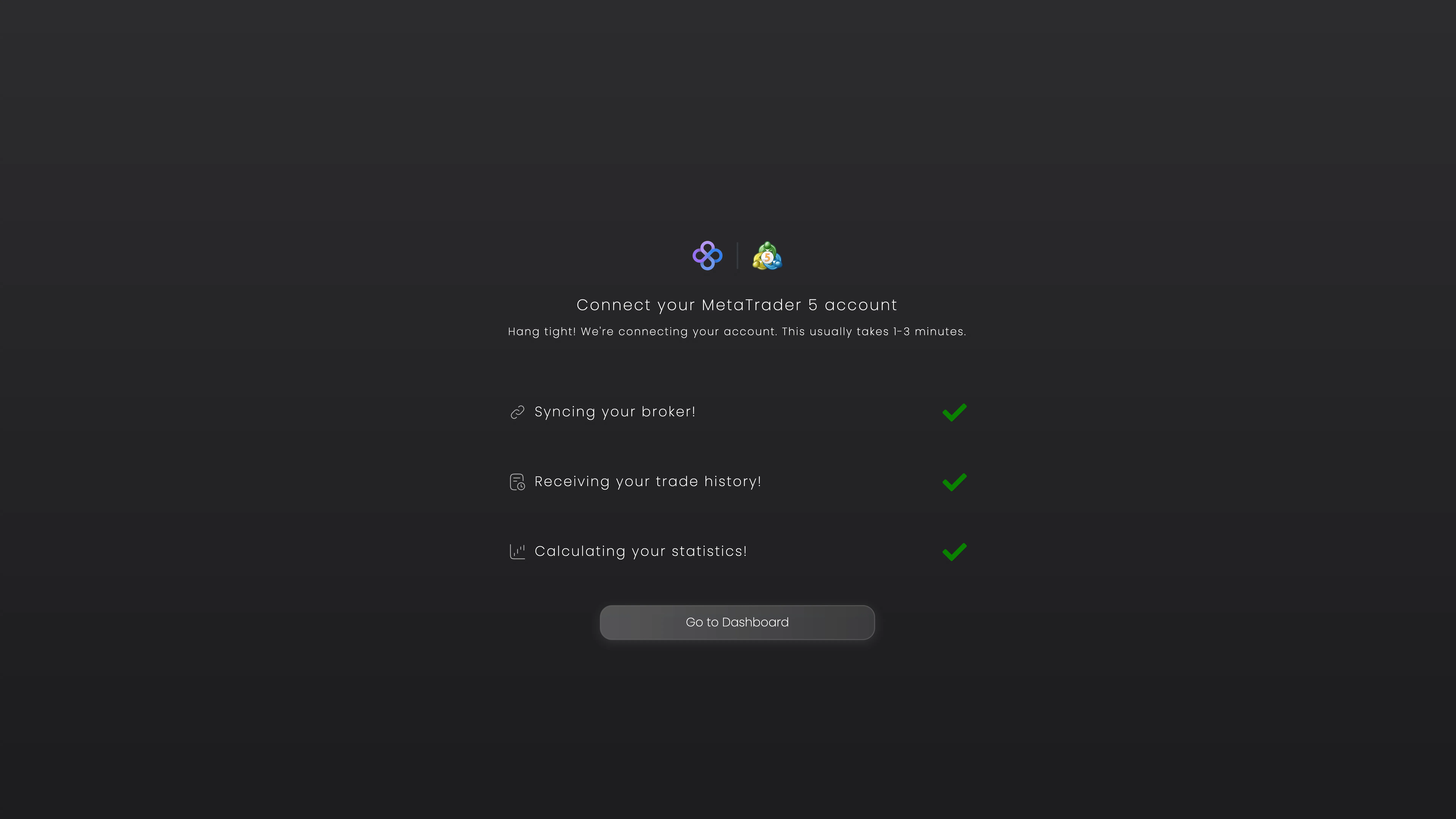
You'll see three steps progress in real time. When all three show a green checkmark, your account is ready. This usually takes 1-3 minutes depending on how much history you have.
After the first sync, your account updates automatically in the background. No action needed on your end.
Need help? If you need any further assistance, please feel free to contact us at support@trackerfx.com.
We use essential cookies to run the site and analytics cookies (Google Analytics) to understand what's working. You can accept or reject. See our Privacy Policy.
 Tracker Fx Team