Connect your Bybit account using a read-only API key and start importing your full trading history into Tracker Fx automatically. The key gives Tracker Fx permission to read your orders and positions - never to trade or withdraw.
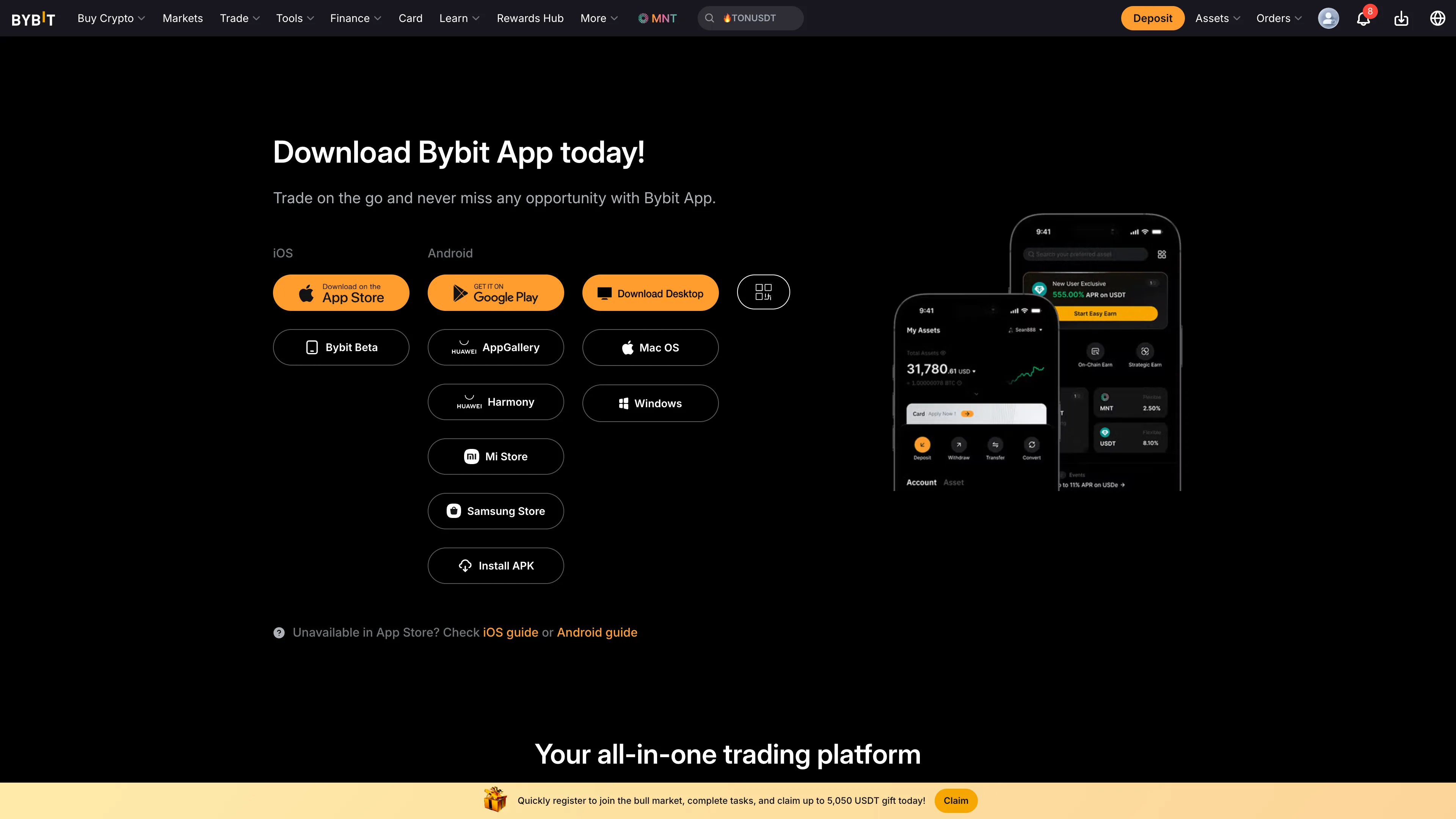
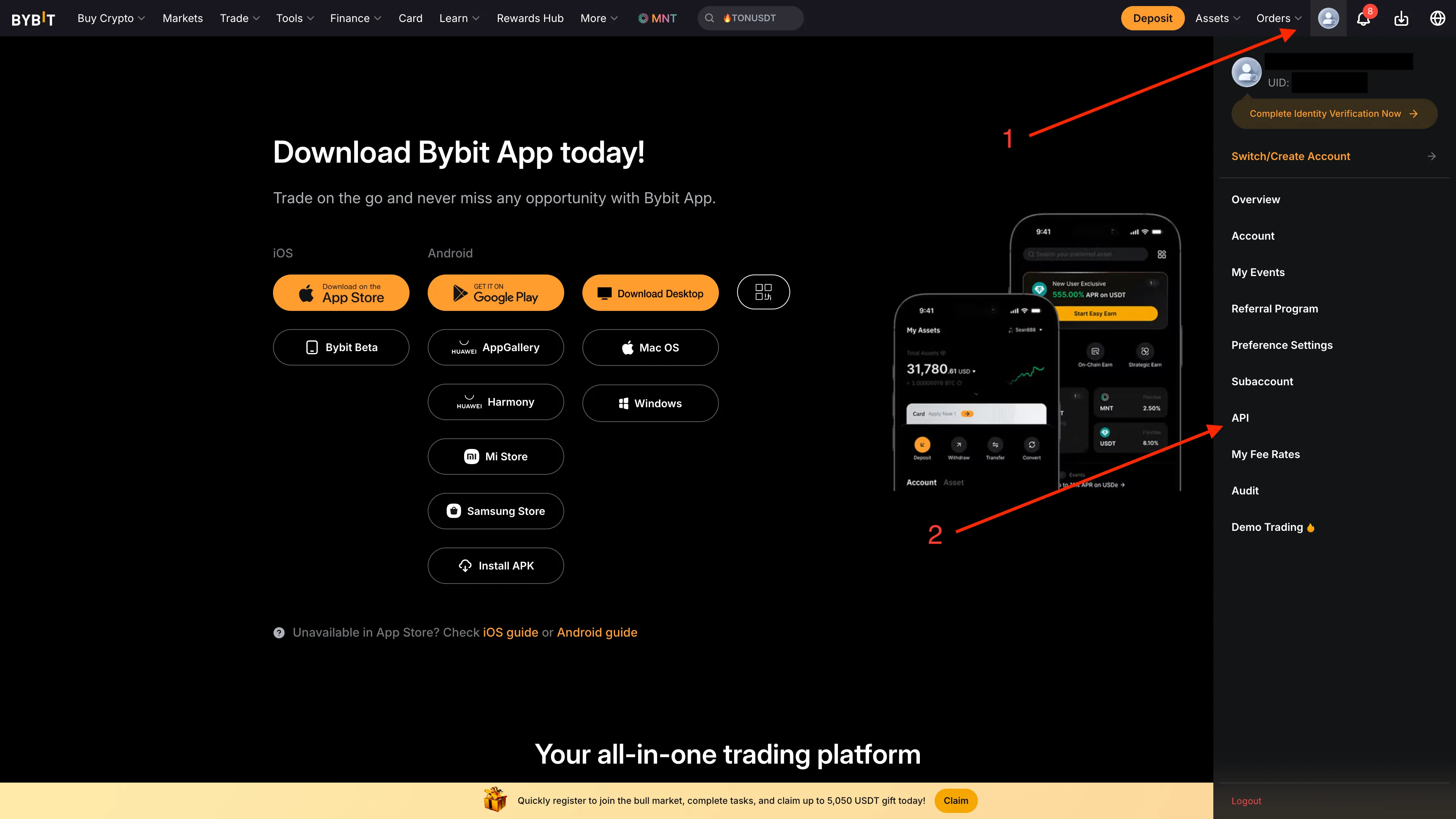
Click your profile icon in the top right corner, then navigate to Account & Security → API Management.
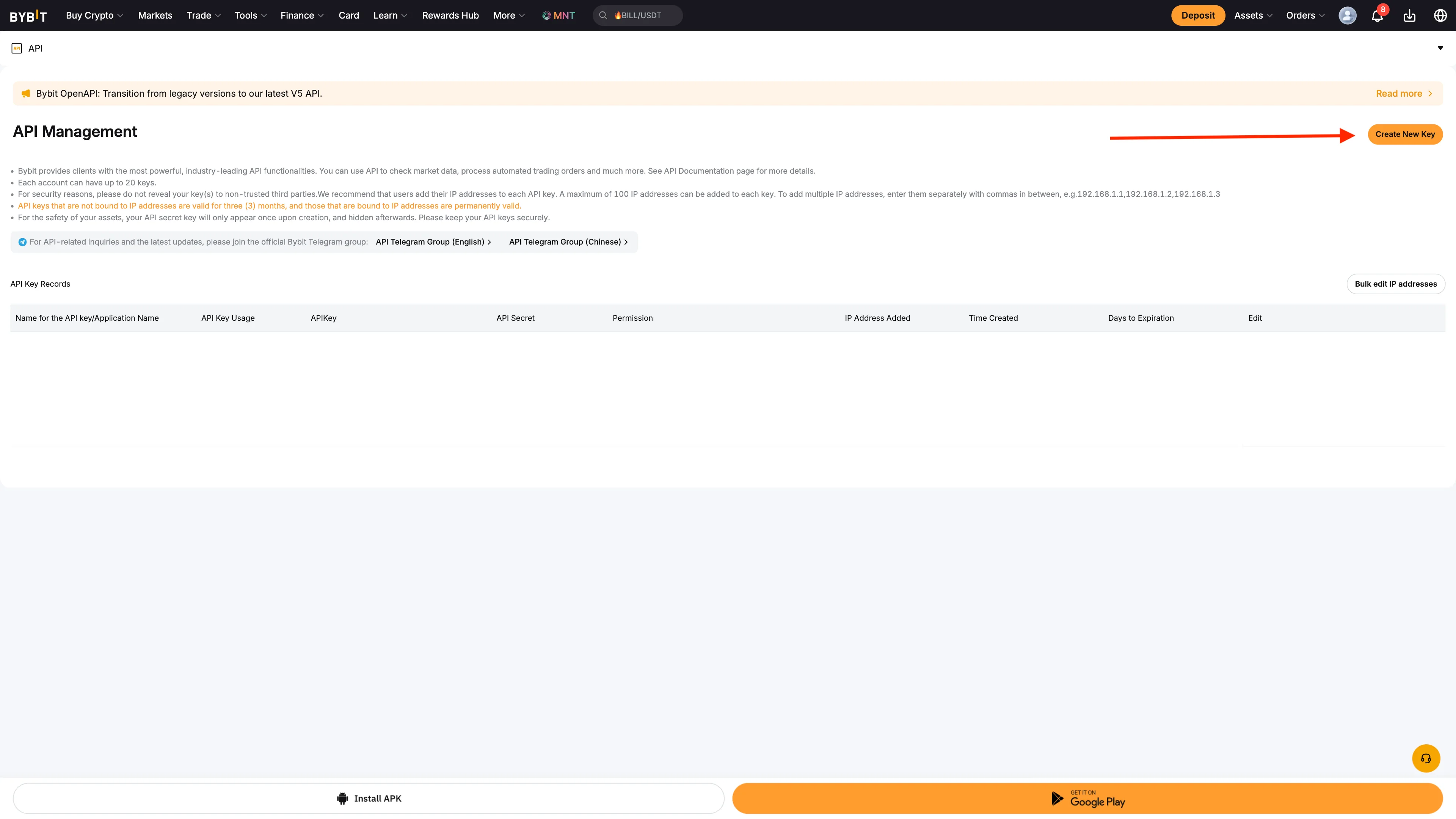
Click Create New Key and select System-generated API Keys.
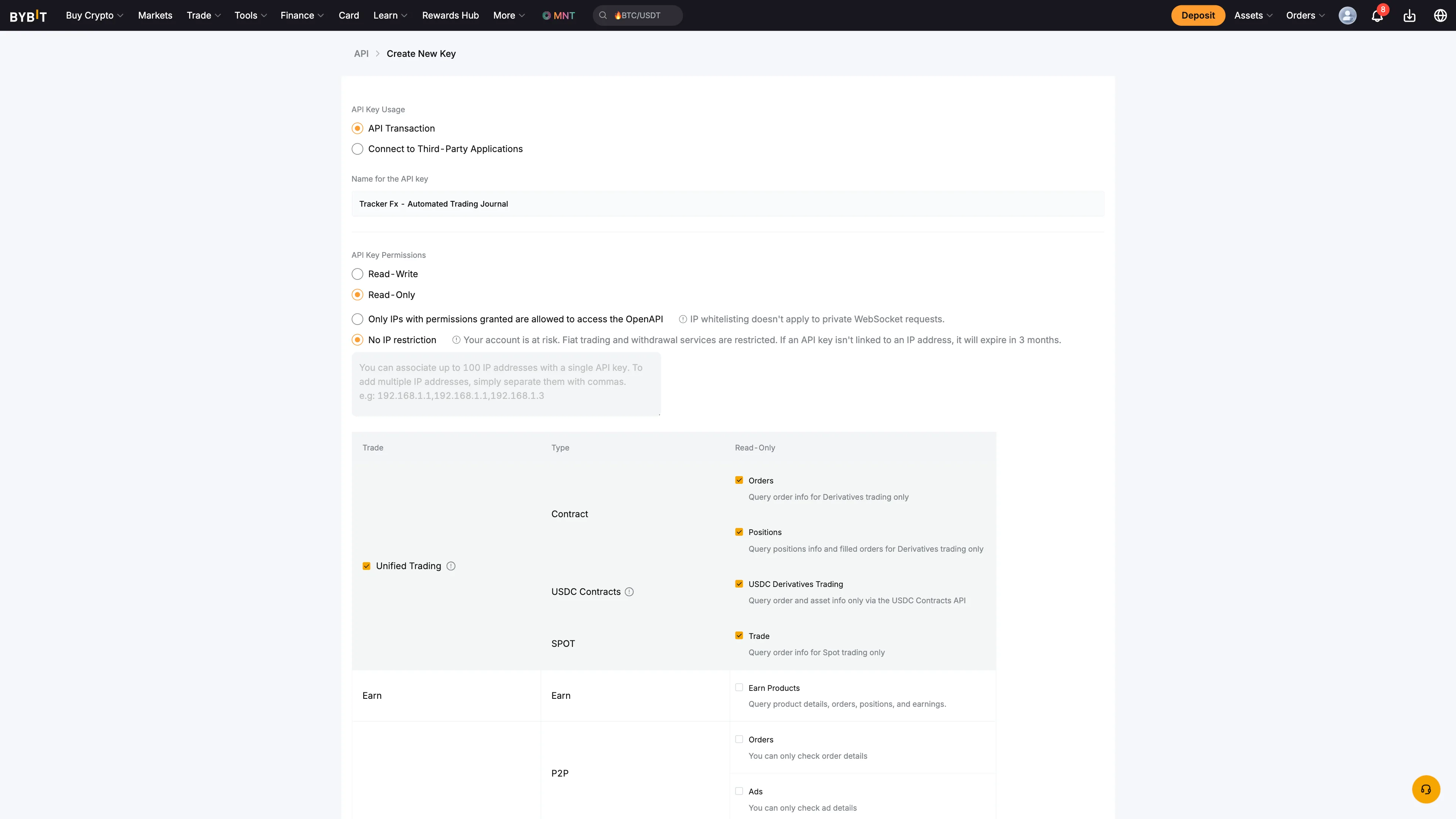
Fill in the key settings as follows:
Name: TrackerFx (or anything you prefer)
Permission: Read-Only
IP restriction: No IP restriction
Under Unified Trading: enable Orders and Positions
Click Submit and copy both the API Key and API Secret. Store them somewhere safe - the secret is only shown once and cannot be recovered.
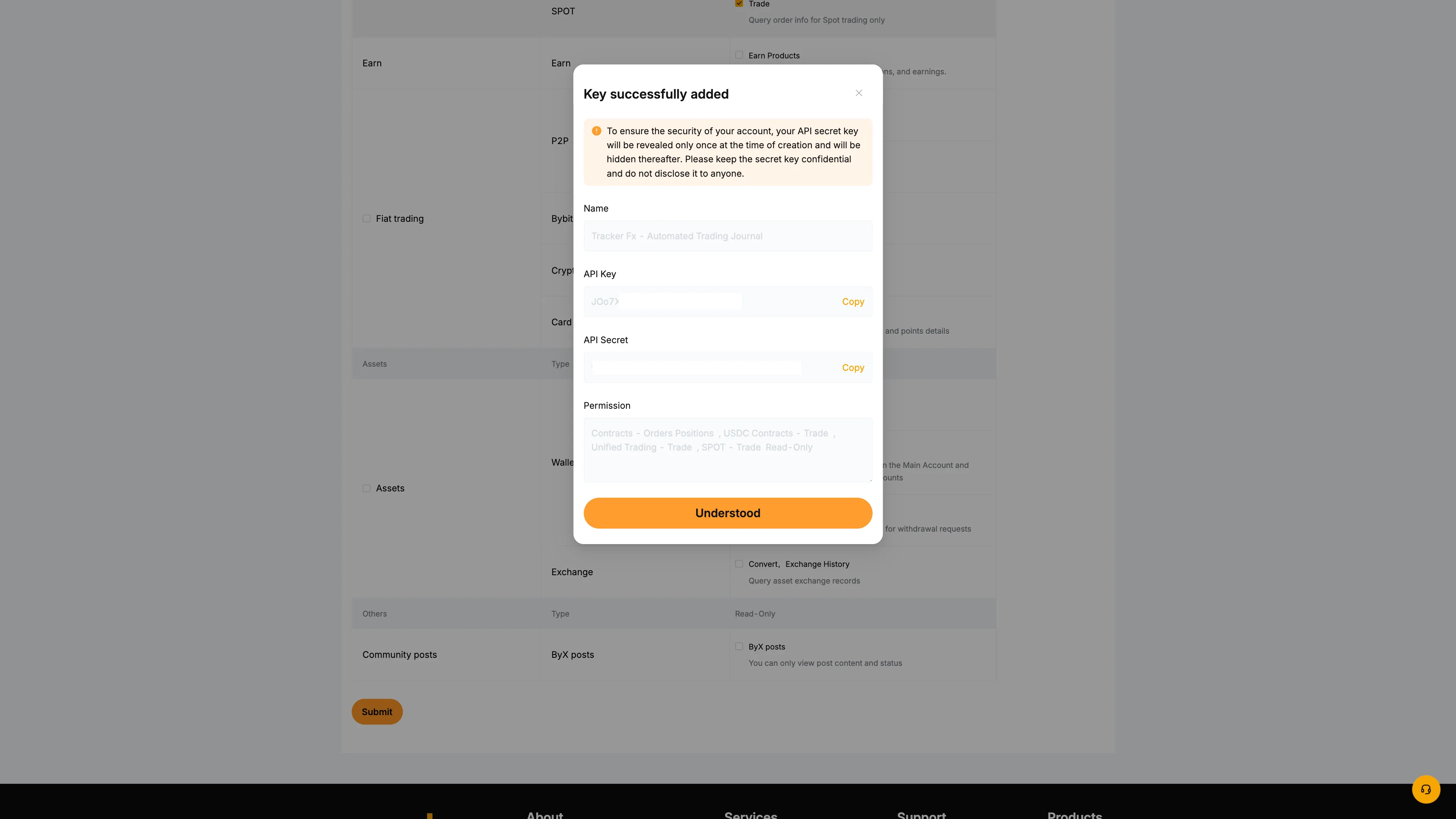
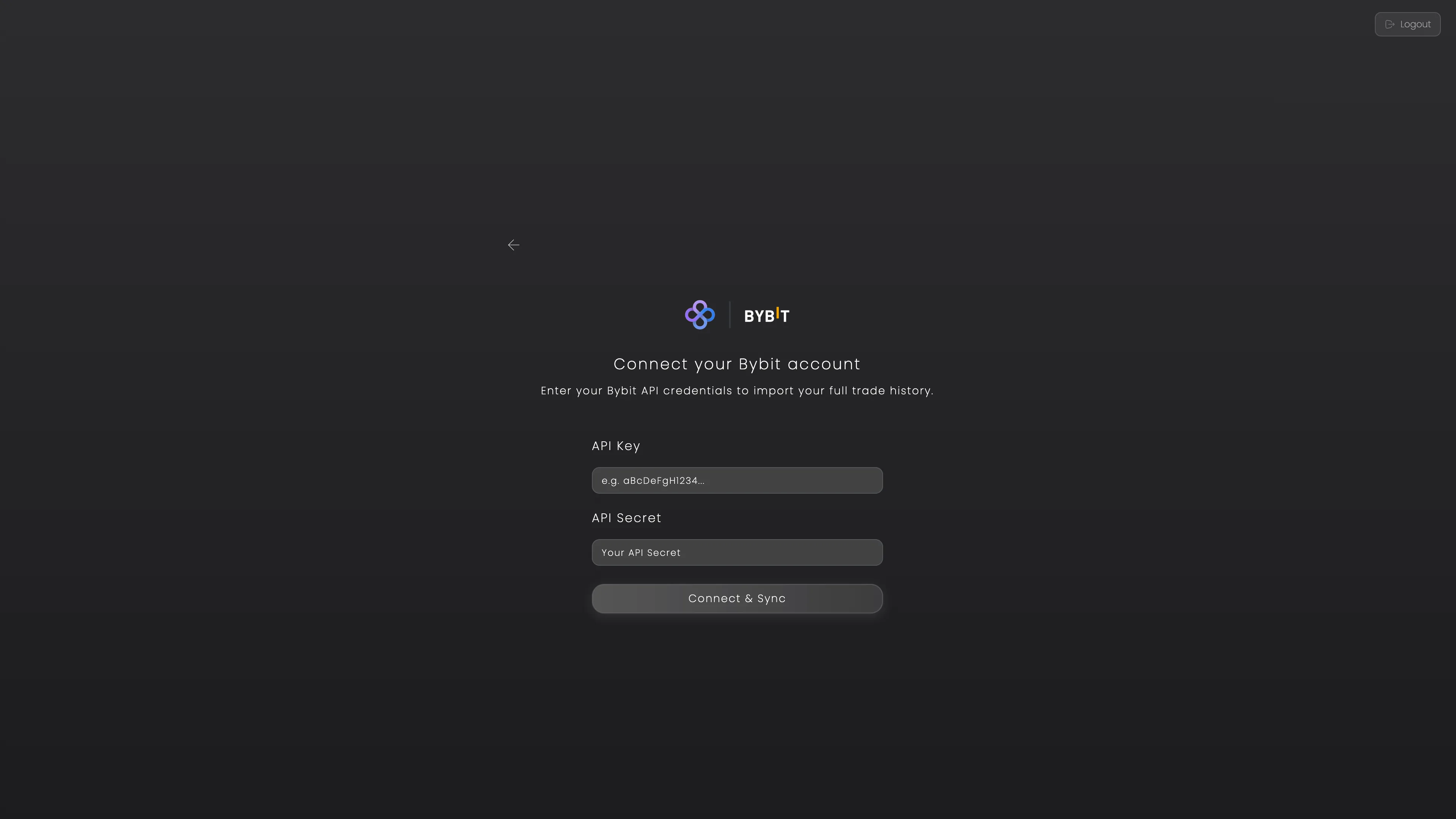
In TrackerFx, go to Add Account and select Bybit. Paste your API Key and Secret, then click Connect & Sync.
Your trade history will be imported automatically. New trades sync every 2 hours.
Security: Always set the permission to Read-Only and never enable withdrawal permissions. Tracker Fx only needs to read your orders and positions to build your journal.
Need help? If you need any further assistance, please feel free to contact us at support@trackerfx.com.
We use essential cookies to run the site and analytics cookies (Google Analytics) to understand what's working. You can accept or reject. See our Privacy Policy.
 Tracker Fx Team